
Additive manufacturing is no longer a prototyping tool
Printed parts now ship as end-use components in aerospace, medical devices, industrial machinery and consumer products. The reasons are practical: lighter parts, several components merged into one, spare parts for obsolete equipment printed on demand, and jigs or fixtures made overnight instead of ordered in weeks.
What changes for the design team is the geometry. Lattices, organic load paths and internal channels are hard to draw with the usual sketch and extrude workflow. Designcenter NX brings the tools for this kind of design into the same system used for everyday CAD, so the model stays connected from concept to simulation to print preparation. Below are five jobs engineers use it for.
1. Lattice structures for implants
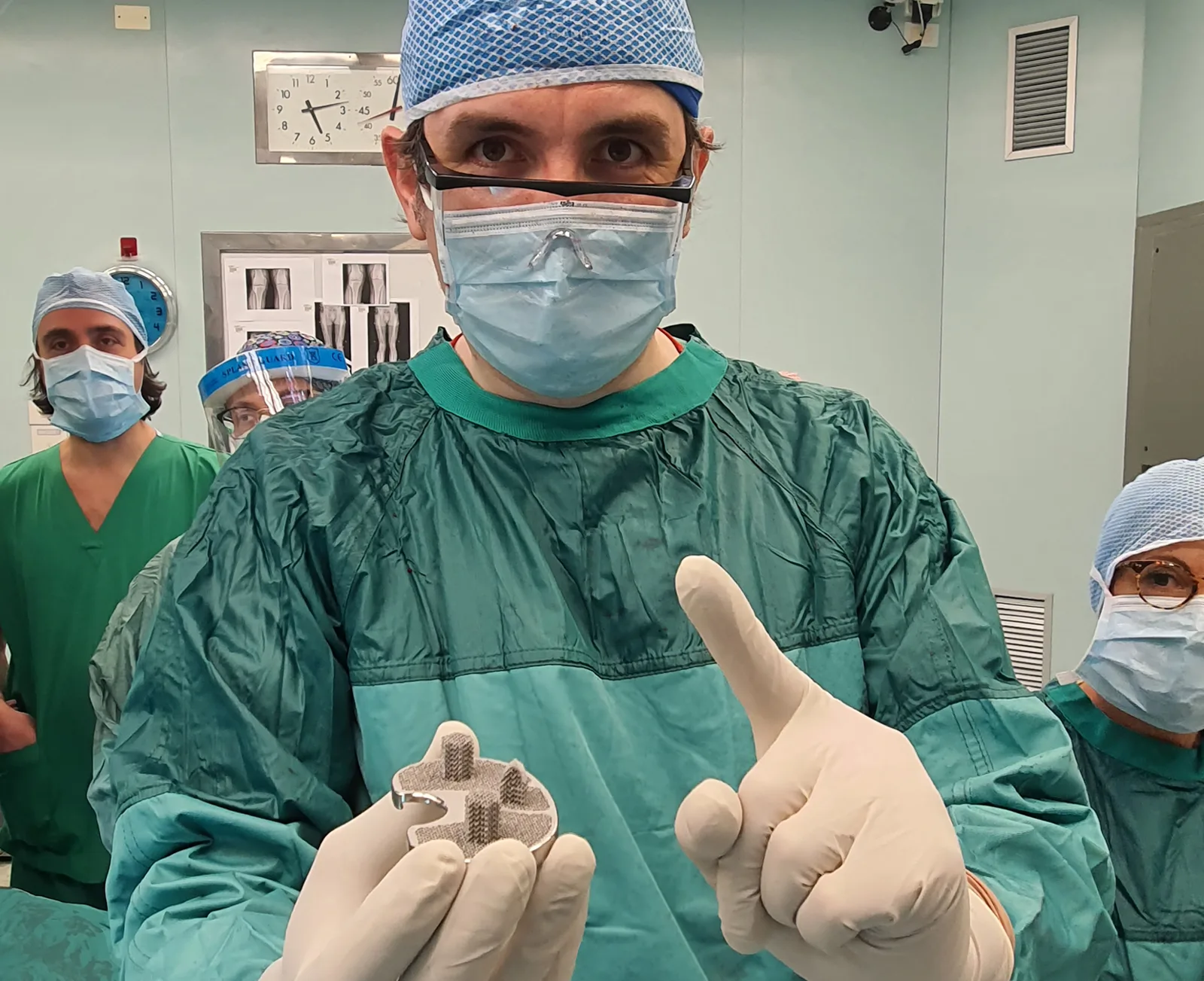
A medical device maker wanted a cementless knee implant: a titanium part with a trabecular lattice surface that bone can grow into. The team built the custom lattice inside Designcenter NX, used design optimisation in the same model to set how much lattice the part needed, and kept every change connected in Teamcenter.
What they reported: modelling and print preparation time cut in half, fewer test rounds to reach a good design, and fewer errors with everything in one Siemens system.
2. Conformal cooling channels in moulds
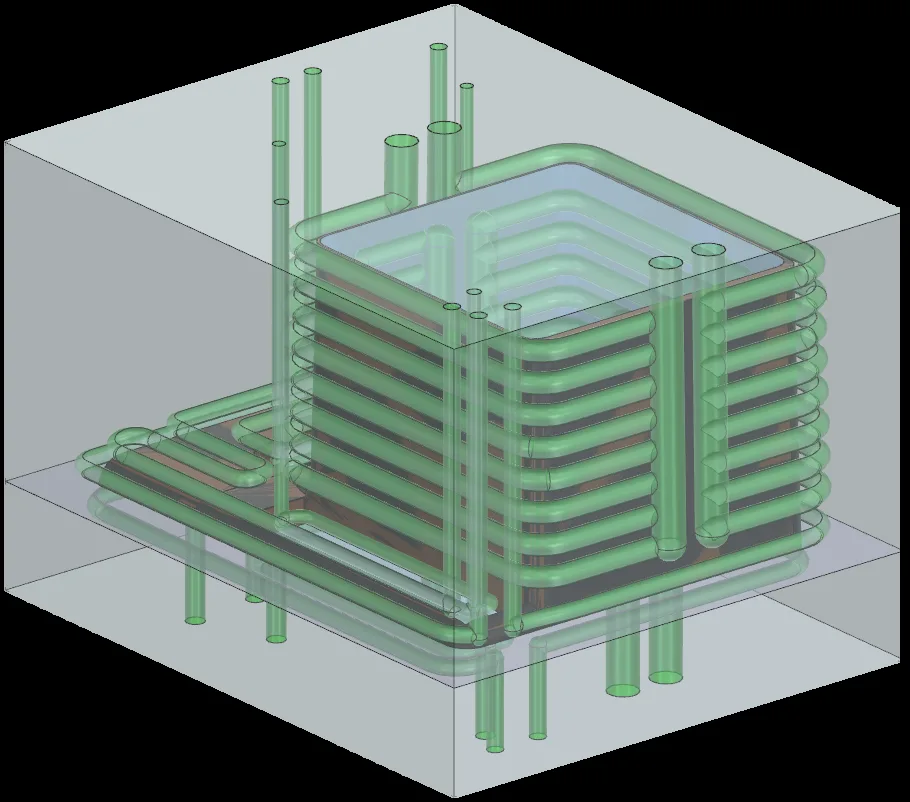
Conventional mould cooling uses straight drilled lines. Printed inserts can carry channels that follow the shape of the cavity, so the part cools evenly. Designcenter NX Conformal Cooling is an add-on for designing these channels.
The aim is a shorter cooling time and less warpage, because the part cools more evenly.
3. A quick strength check without leaving CAD
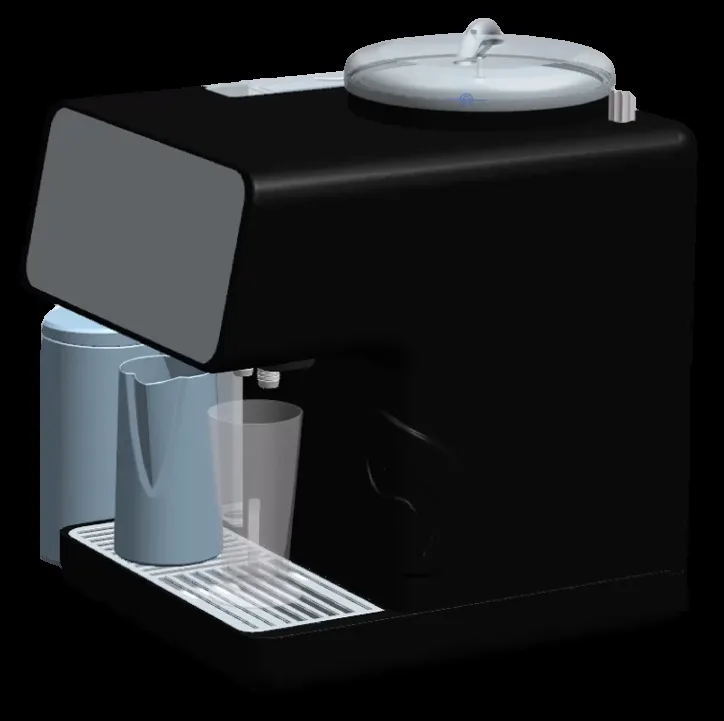
Not every part deserves a full analysis, and the CAE team cannot look at everything. Designcenter NX Performance Predictor lets the designer set up a quick structural simulation on the model, run it and read the result within the design session. Weak areas show up early, before the part is sent to the printer.
Siemens describes the gain as faster design cycles and fewer physical prototypes, with the analysis staying in the hands of the designer.
4. Reverse engineering a worn part
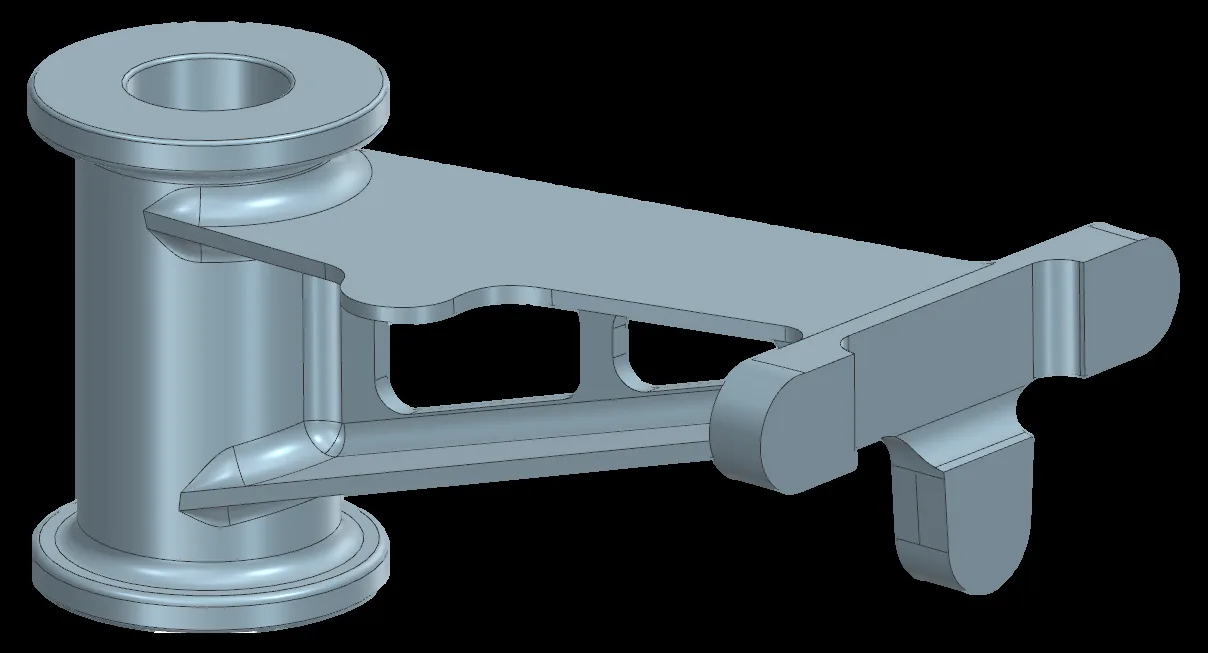
When a part has failed through wear and no drawing exists, the starting point is a 3D scan: a large mesh with no design intent. Designcenter NX convergent modelling handles mesh and solid geometry together, so the scan can be cleaned up and used to rebuild the part as solid geometry. From there the part can be improved and printed.
5. Printed heat exchangers with lattice cores
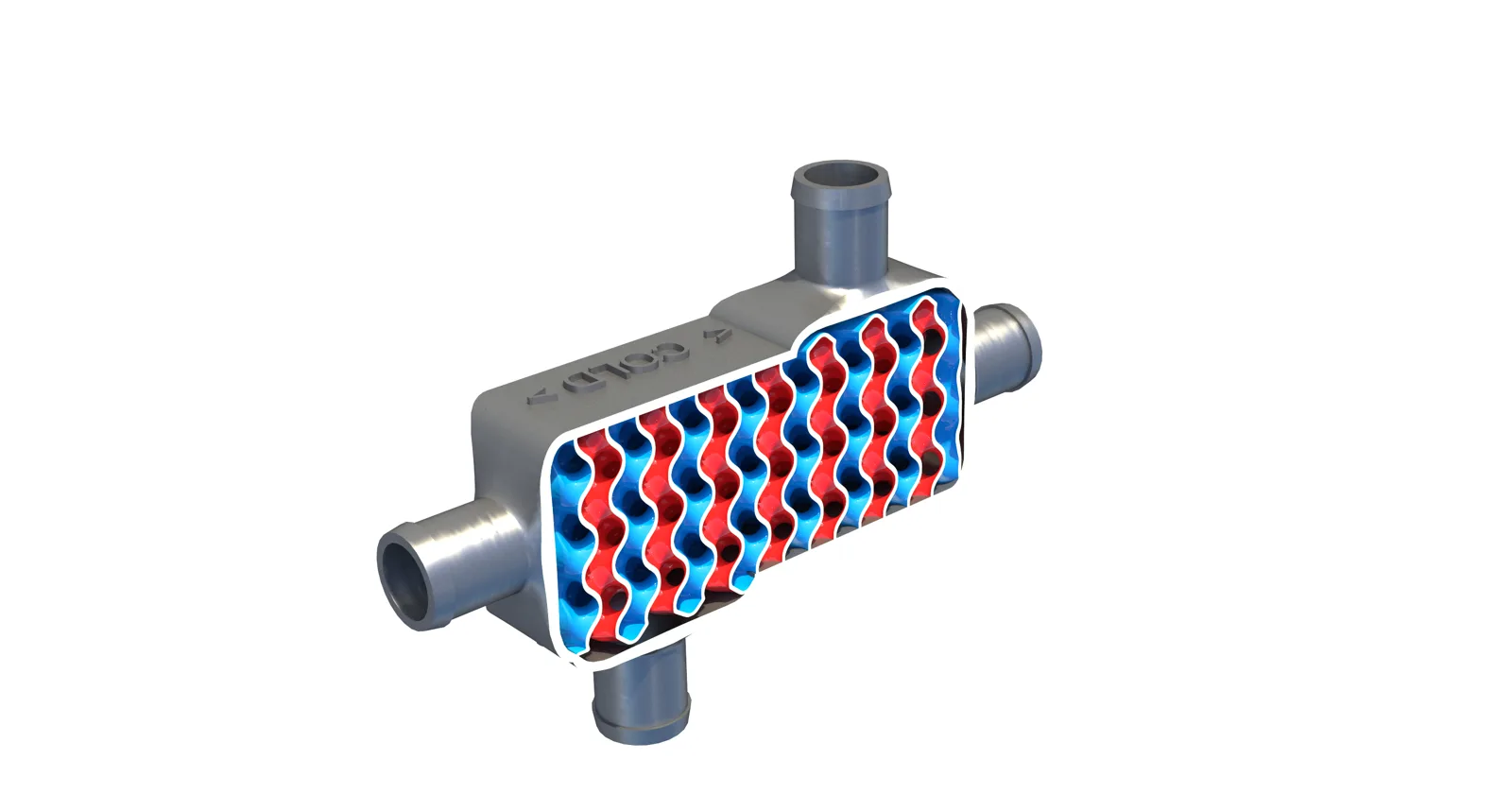
Some additive designs mix solid and facet (mesh) geometry in one part, for example a heat exchanger with a lattice core inside a solid shell. Designcenter NX can hold both kinds of geometry together in the same part, and Siemens flow simulation (Simcenter STAR-CCM+) can then check the flow through it.
How to get these tools
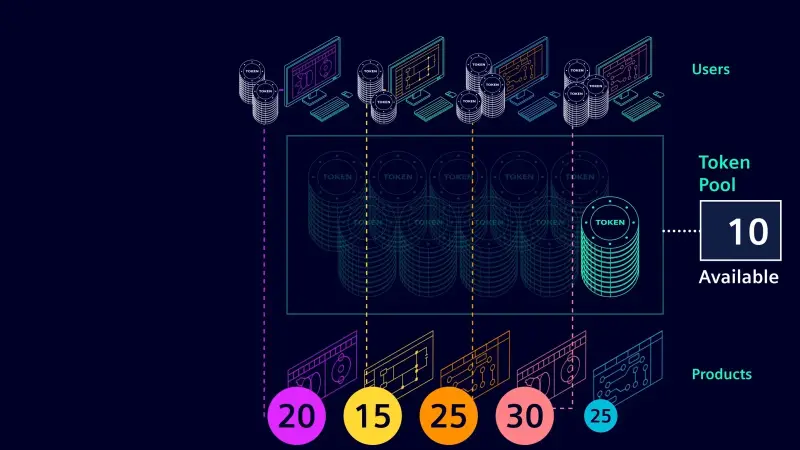
Designcenter NX Lattice Designer, Designcenter NX Topology Optimizer, Designcenter NX Implicit Modeling, Designcenter NX Performance Predictor and Designcenter NX Conformal Cooling are add-on modules to Designcenter NX. They are available through Designcenter NX value-based licensing, a shared pool that lets a team open the module it needs for the task at hand, then release it for a colleague. One subscription gives access to more than 120 products in the pool, with access to new products from day one.
NomuTech supplies, implements and trains on Designcenter NX across the Middle East. If you have a part in mind, talk to us and we will show you the workflow on your own geometry.

Author: NomuTech
Siemens Digital Industries Software Partner